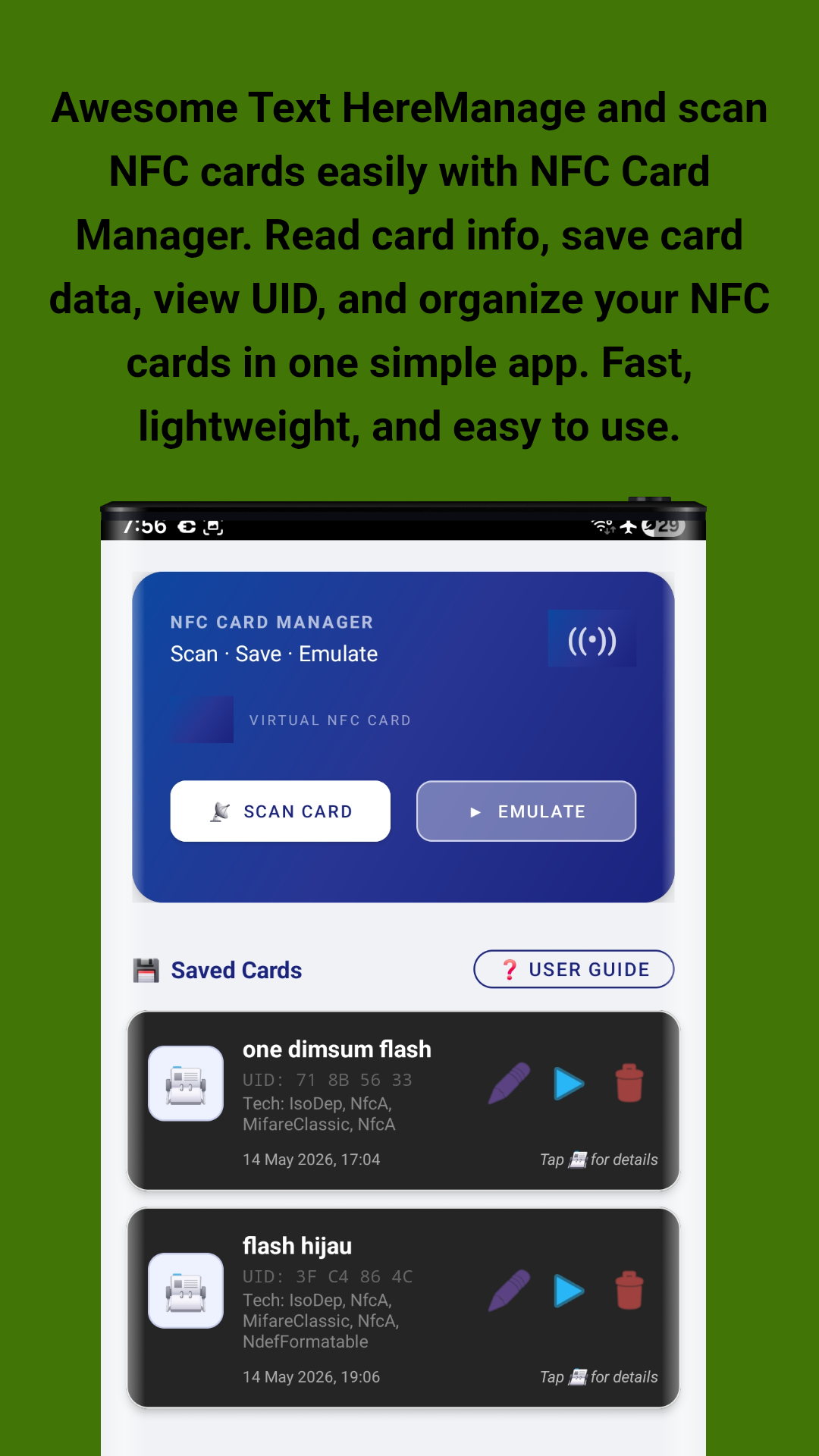
Scan. Save. Emulate. Manage all your NFC cards in one place — read card data, save it with a custom name, and emulate it whenever you need. No internet or root access required.
Everything you need to scan, save, and emulate NFC cards with ease
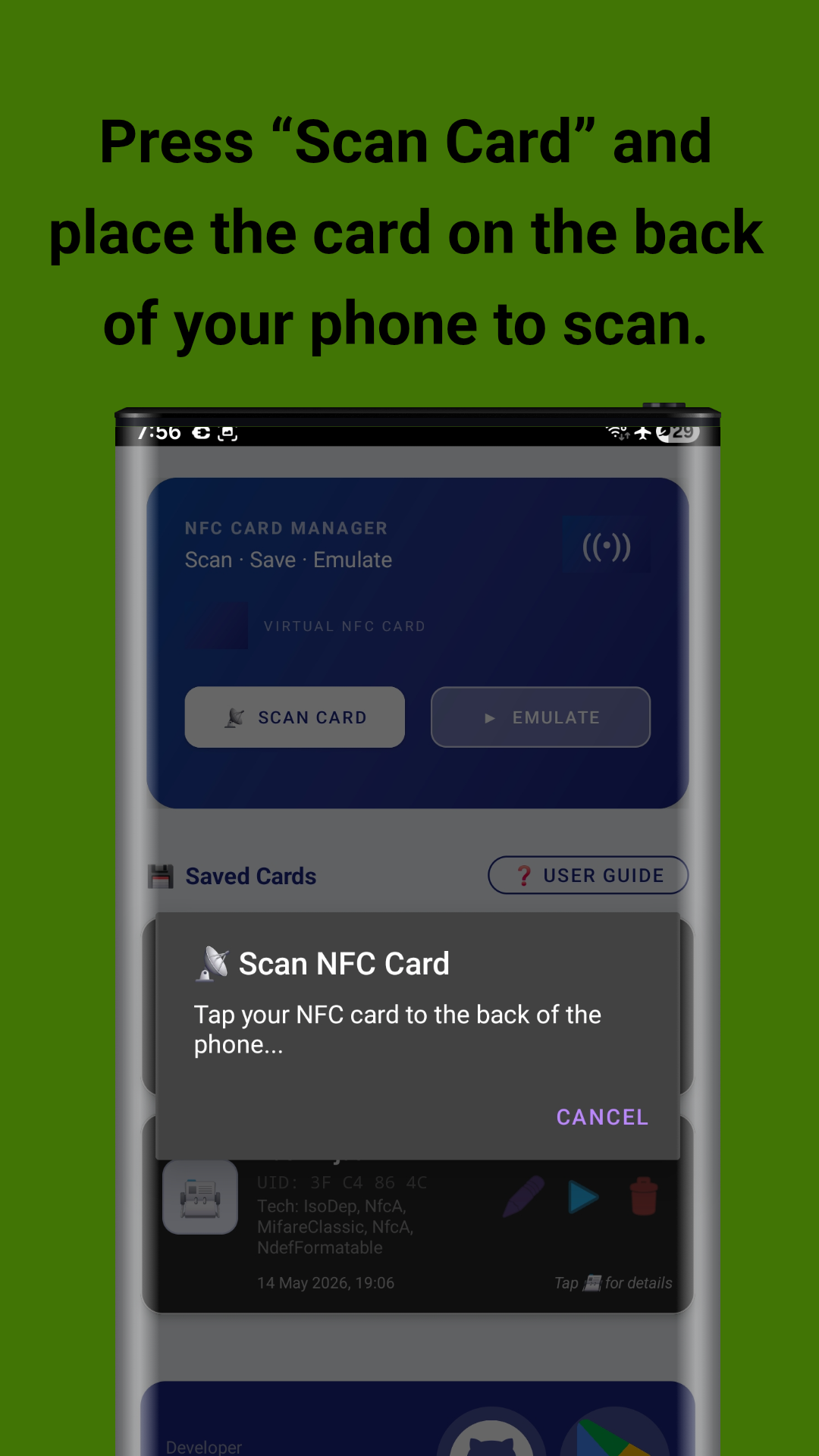
Read and extract data from Mifare Classic, Mifare Ultralight, ISO-DEP, NFC-A, NFC-B, and more. Simply tap "Scan Card" and place your NFC card on the back of your phone.
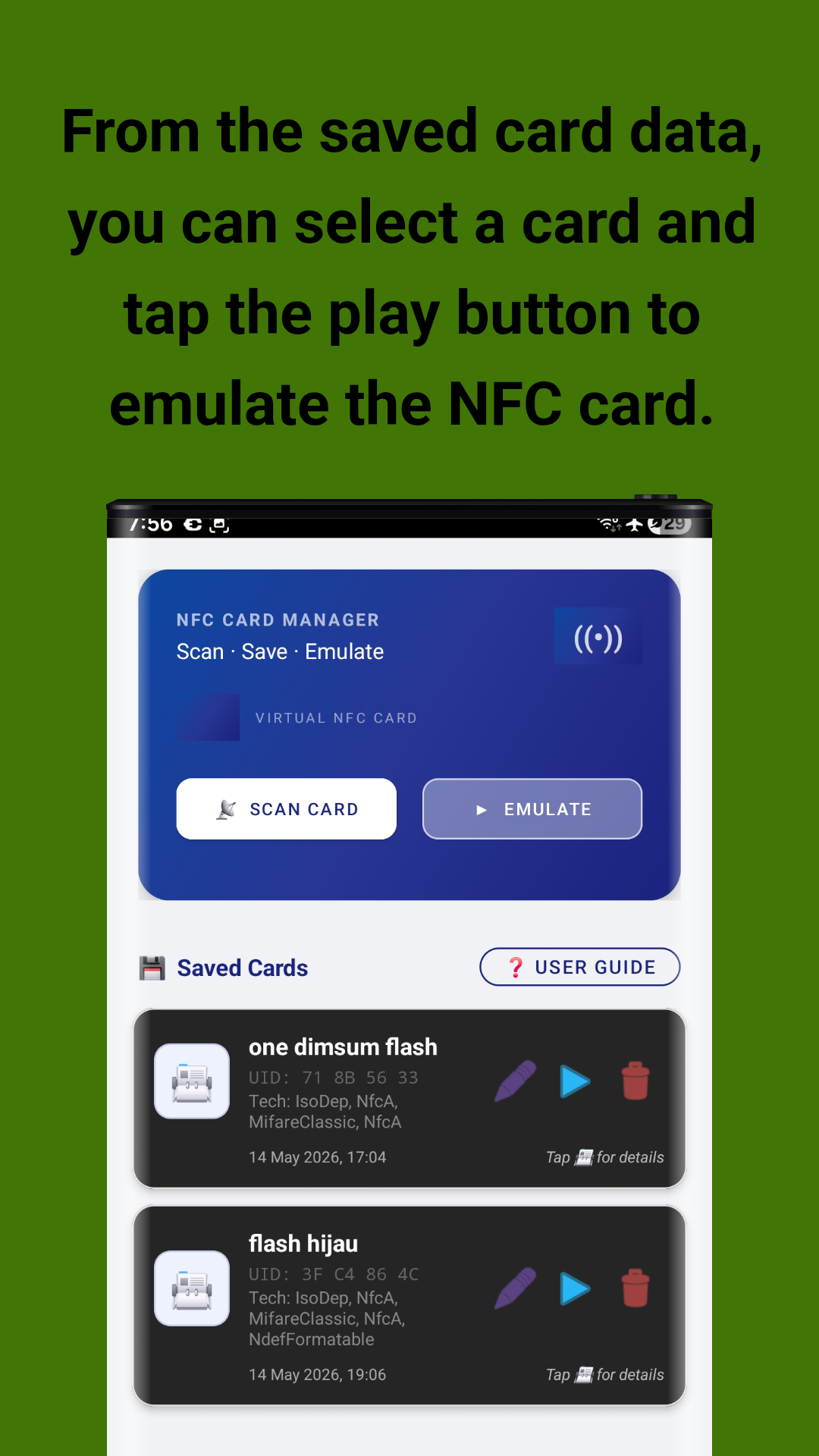
Save unlimited cards with custom names for easy identification. Rename cards anytime, view full technical details, or delete cards you no longer need.
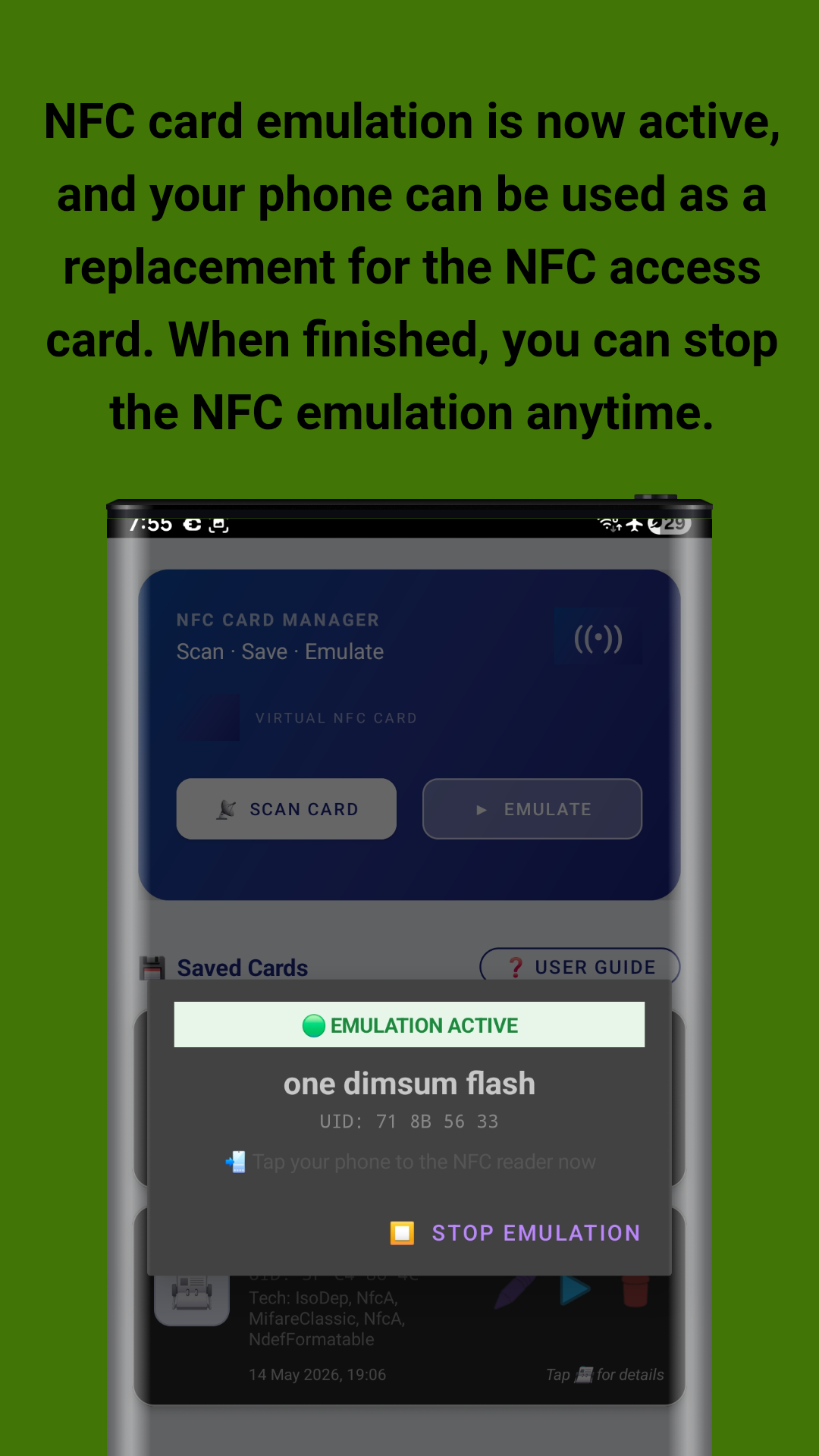
Emulate saved cards using Android Host Card Emulation. Select a saved card and tap the play button to turn your phone into a virtual NFC card — no hardware modification needed.
No account required. No data uploaded to any server. All your NFC card data stays securely on your device. Works entirely offline with no internet permission needed for core features.
Works entirely offline with minimal battery and resource usage. No unnecessary bloatware — just a clean, focused NFC tool designed for speed and simplicity.
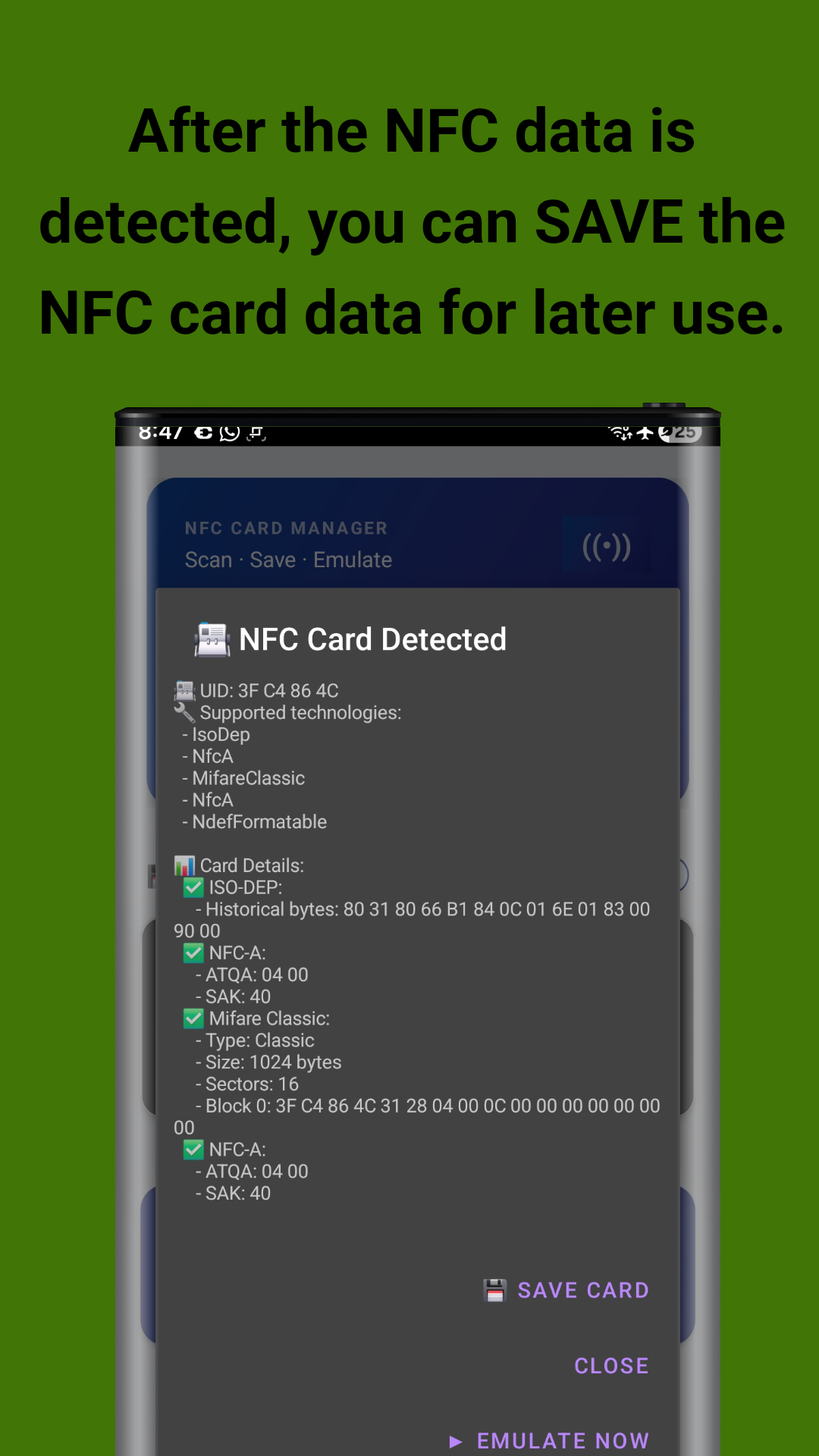
View comprehensive card details including UID, technology type, sector data, ATQA, SAK, historical bytes, and raw card information in an easy-to-read format.
Key advantages for developers, tech enthusiasts, and everyday users
Perfect for developers and system integrators who need to test NFC readers and systems. Quickly scan cards to verify reader compatibility and diagnose issues.
Create digital backups of your physical access cards, membership cards, and other NFC tags. Never worry about losing or forgetting your cards again.
Explore the technical details of NFC cards you encounter. Understand UID structures, technology types, and data formats — great for students and tech enthusiasts.
All features work on standard Android devices without root access. Just ensure your device supports NFC and Host Card Emulation (HCE) for emulation features.
Developed by John Irianto Susanto. The app is available on GitHub for transparency and community contributions. Clean interface with no unnecessary bloatware.
Clean, user-friendly design suitable for everyone. Three main actions: Scan, Save, Emulate. No complex setup or technical knowledge required to get started.
See the app in action — scan, save, and emulate NFC cards with ease
Screenshots taken on Samsung Galaxy S23 Ultra
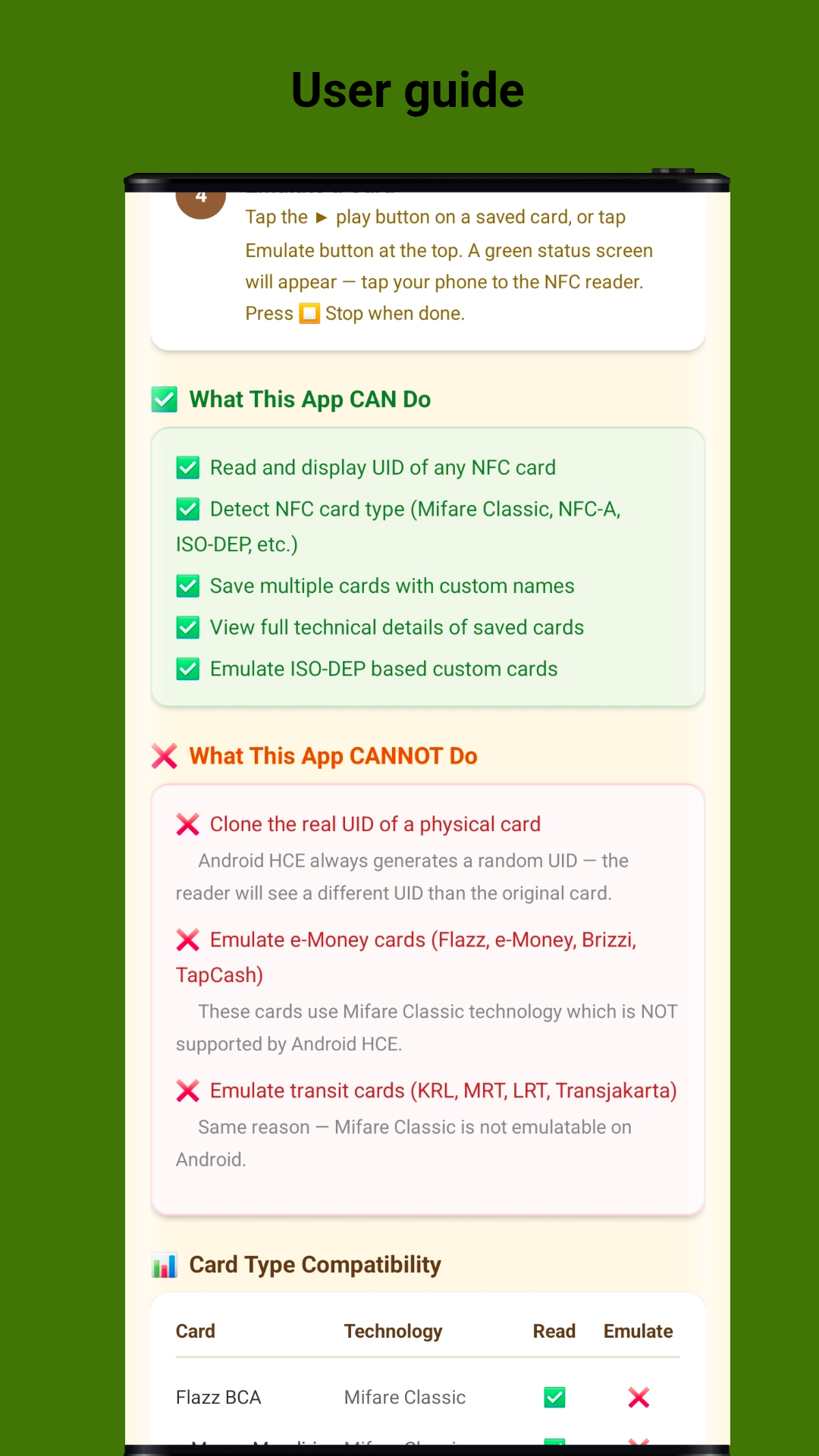
Understand what NFC Card Manager can and cannot do
| Card / Use Case | Technology | Read | Emulate |
|---|---|---|---|
| ISO-DEP Cards | ISO-DEP, NFC-A | Yes | Yes |
| Mifare Classic | Mifare Classic, NFC-A | Yes | No* |
| Mifare Ultralight | Mifare Ultralight, NFC-A | Yes | No* |
| e-Money (Flazz, e-Money, Brizzi) | Mifare Classic | Yes | No |
| Transit Cards (KRL, MRT, LRT) | Mifare Classic | Yes | No |
| NFC-A Tags | NFC-A | Yes | Yes |
| NFC-B Tags | NFC-B | Yes | Limited |
*Why some cards cannot be emulated: Android HCE (Host Card Emulation) always generates a random UID — the reader will see a different UID than the original card. Mifare Classic technology is NOT supported by Android HCE, which means cards like Flazz, e-Money, Brizzi, TapCash, and transit cards (KRL, MRT, LRT, Transjakarta) cannot be fully emulated. This is a hardware security restriction, not a limitation of the app.
Step-by-step instructions to scan, save, and emulate NFC cards
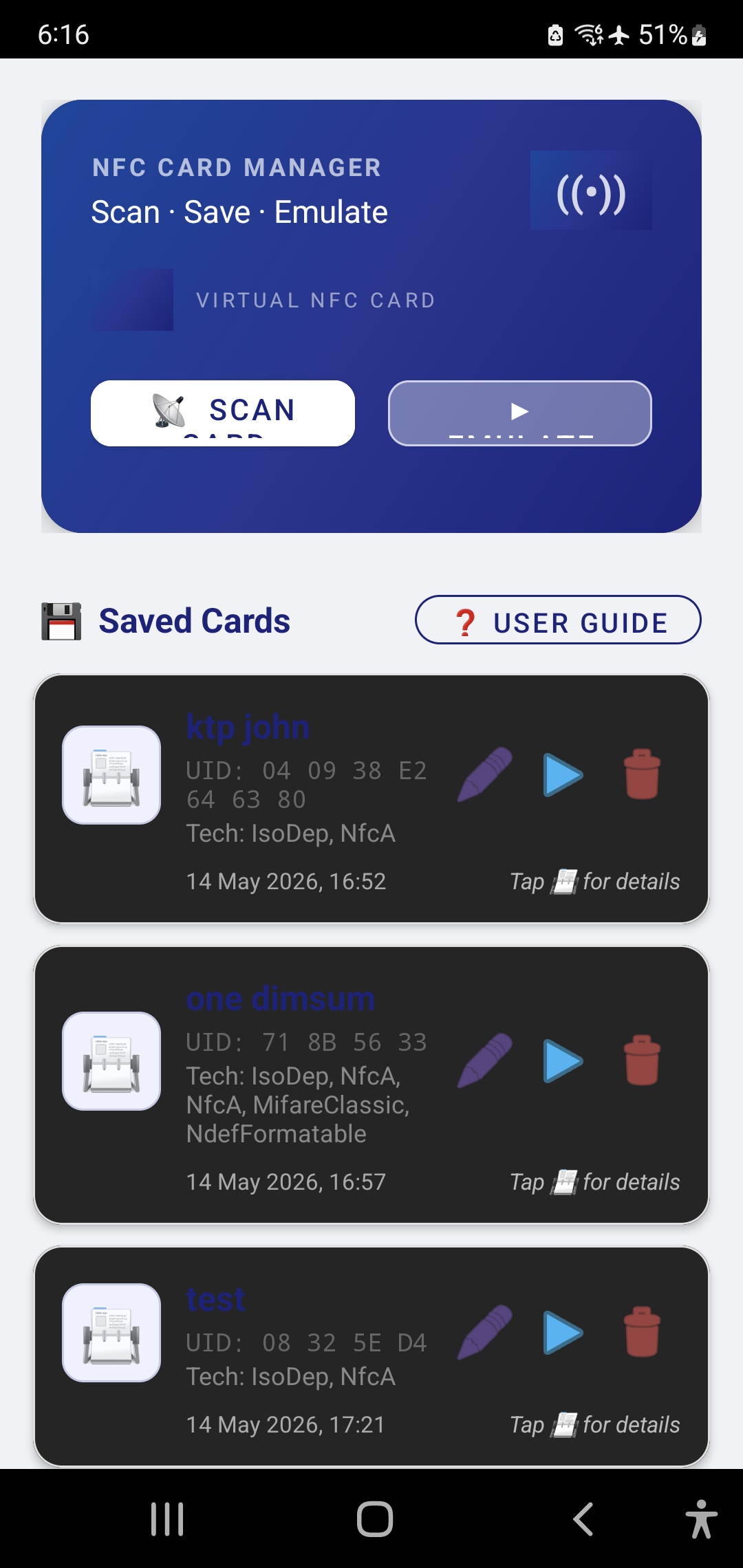
Download NFC Card Manager from Google Play Store or GitHub. Install and open the app. The main screen shows:
To read a new NFC card:
Tip: Make sure NFC is enabled in your Android system settings before scanning.
After scanning, the app displays detailed card information:
Tap SAVE CARD to store it with a custom name, or CLOSE to discard. You can also tap EMULATE NOW to start emulation immediately without saving.
Your saved cards appear in the main screen list with:
Tap any card to view full details, or use the action buttons for quick operations.
To use your phone as a virtual NFC card:
Note: Emulation requires your device to support Host Card Emulation (HCE). Most modern Android devices are supported.
NFC Card Manager is powerful but has important limitations due to Android hardware:
This app is intended for personal, educational, and testing purposes only.
Available for free on Google Play Store and GitHub. Start managing your NFC cards today.
Developed with by John Irianto Susanto