Android Application
Battery Health Check & Alarm
Monitor your battery health in real-time, prevent overcharging, and extend your battery lifespan with intelligent charging alerts.
Monitor your battery health in real-time, prevent overcharging, and extend your battery lifespan with intelligent charging alerts.
Everything you need to monitor, protect, and optimize your Android device battery
Get instant sound alerts when your battery reaches your desired percentage (10%–100%). Never overcharge your device again. The alarm works even on lock screen and auto-stops when charger is unplugged.
View live voltage, current (mA), power (W), and charging status. Supports AC, USB, and wireless charging detection with accurate real-time readings directly from BatteryManager API.
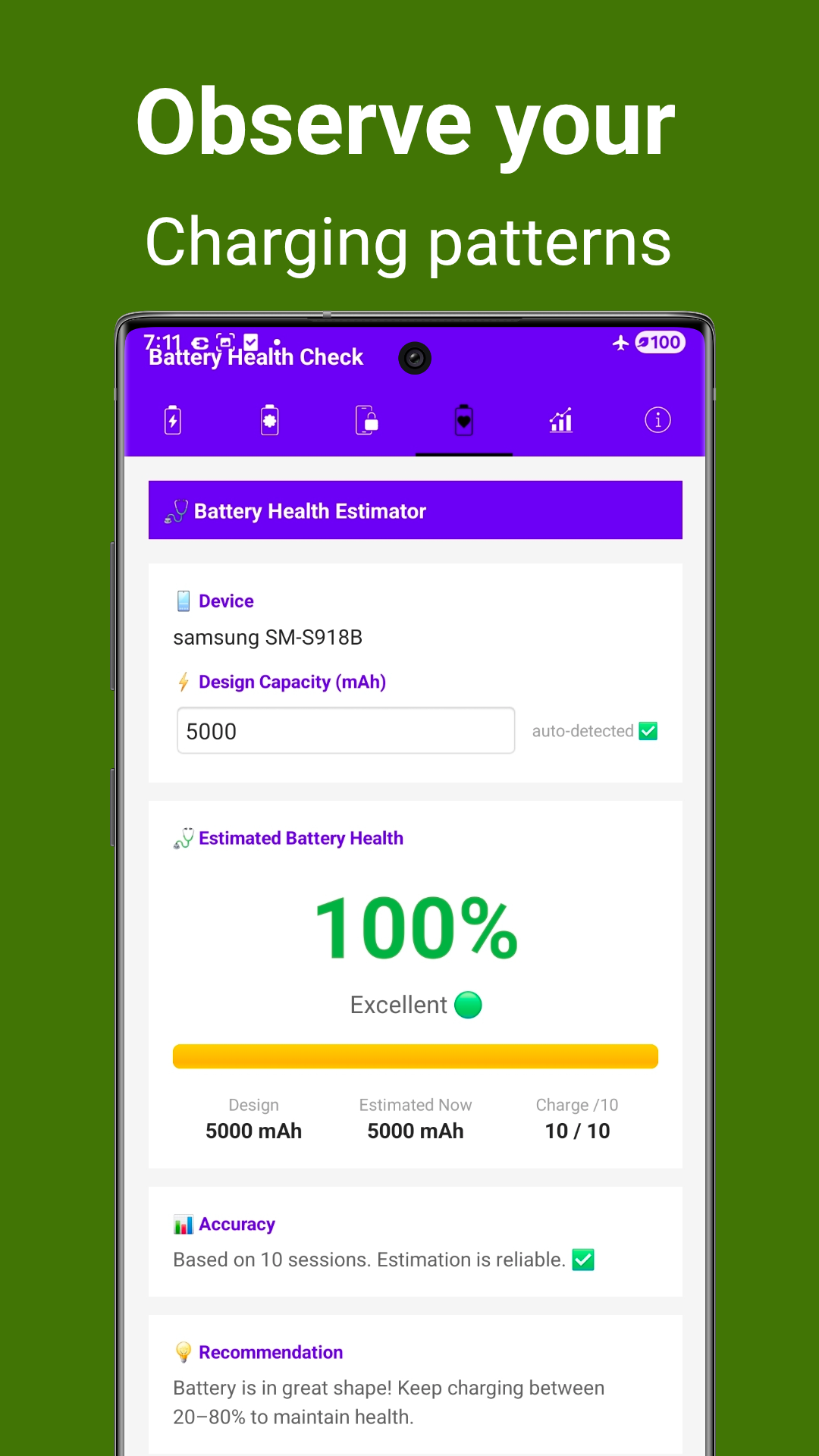
Calculate your battery's current health percentage based on charging sessions. Auto-detects design capacity and compares estimated vs actual capacity with reliability indicators.
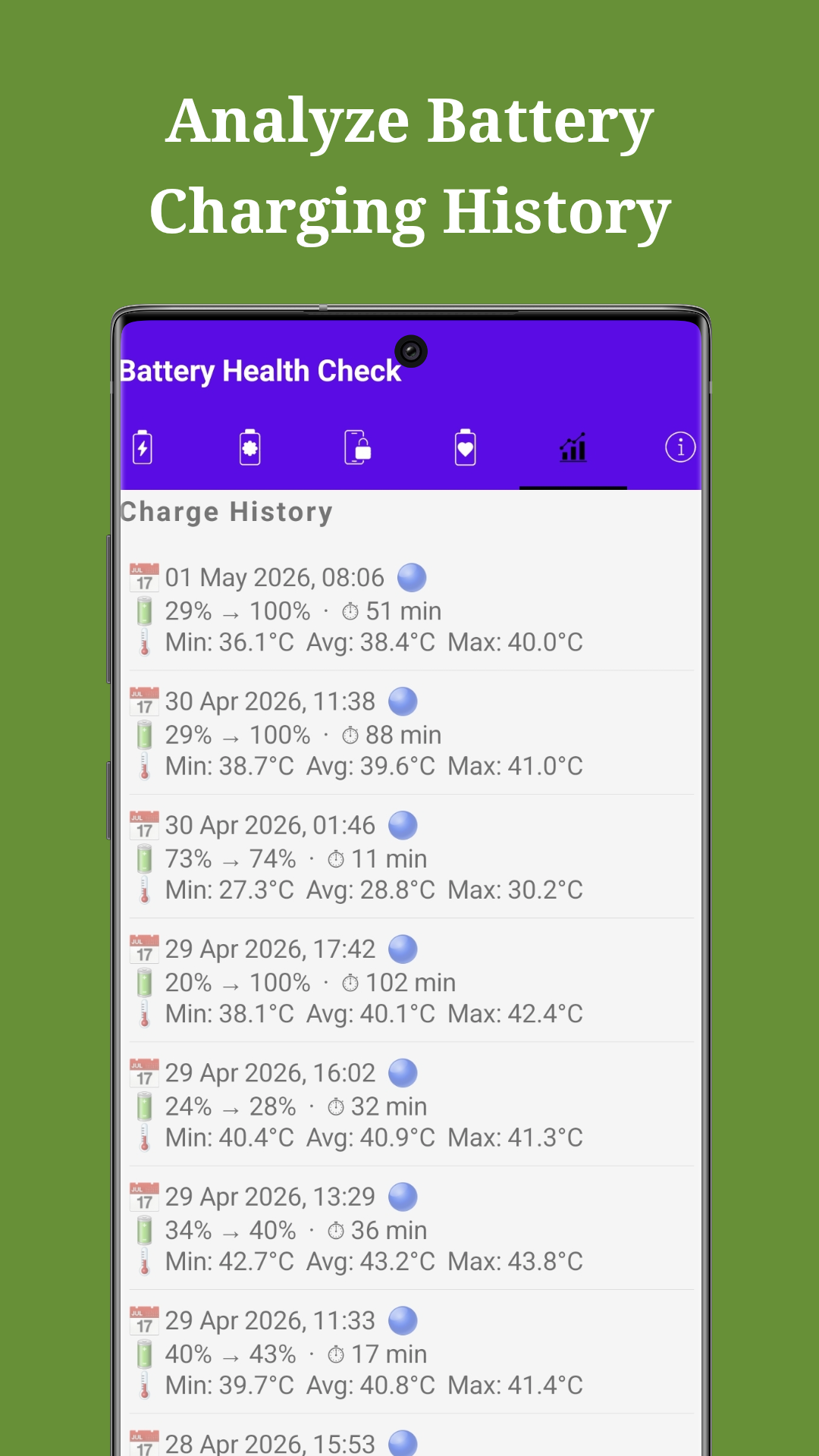
Track and analyze every charging session with detailed logs including duration, temperature ranges (min/avg/max), and percentage gained. Perfect for spotting battery degradation patterns.
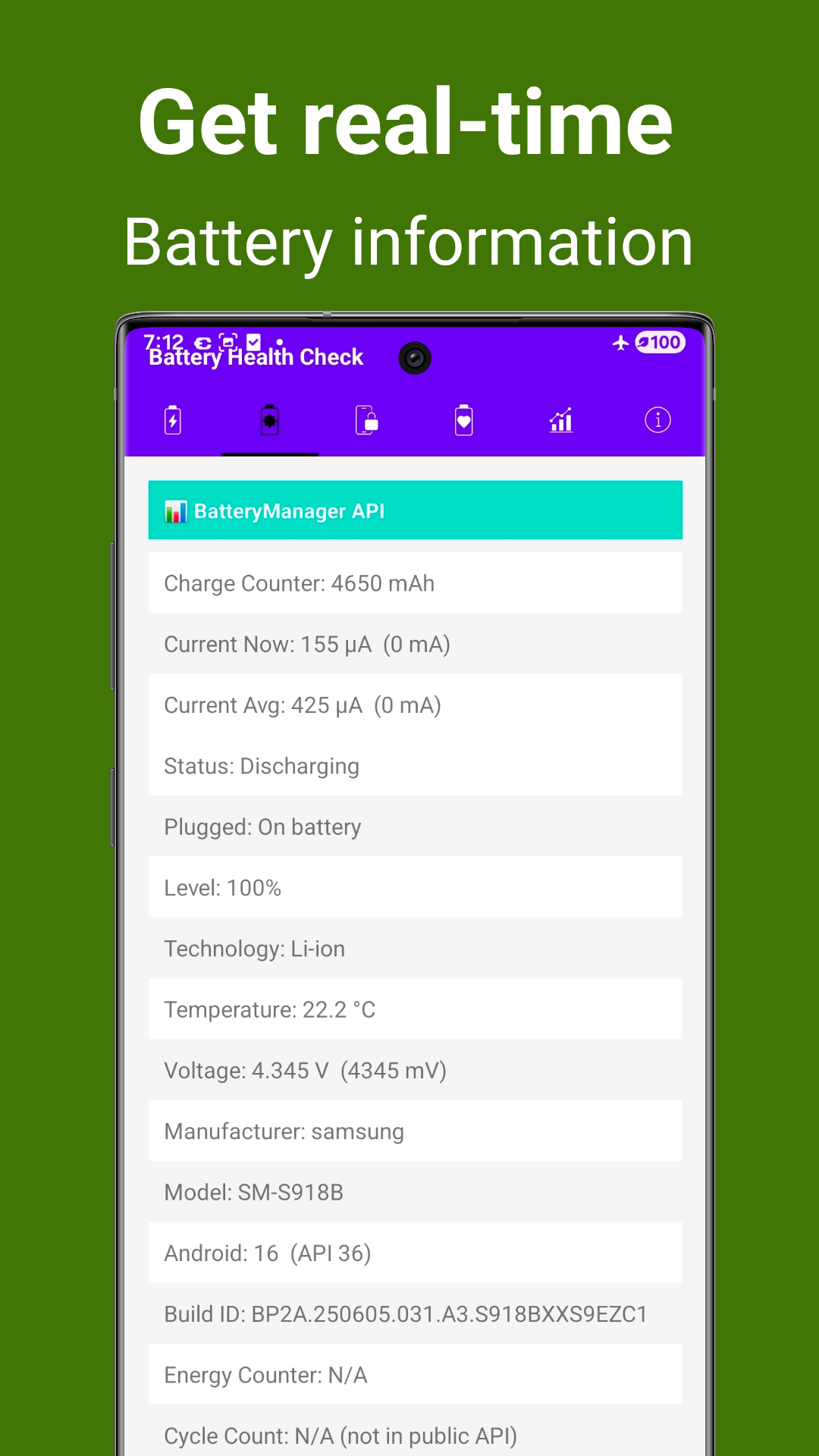
Access deep system battery information: Charge Counter, Current Now/Average, Technology, Temperature, Voltage, Manufacturer, Model, Android Version, and Build ID.
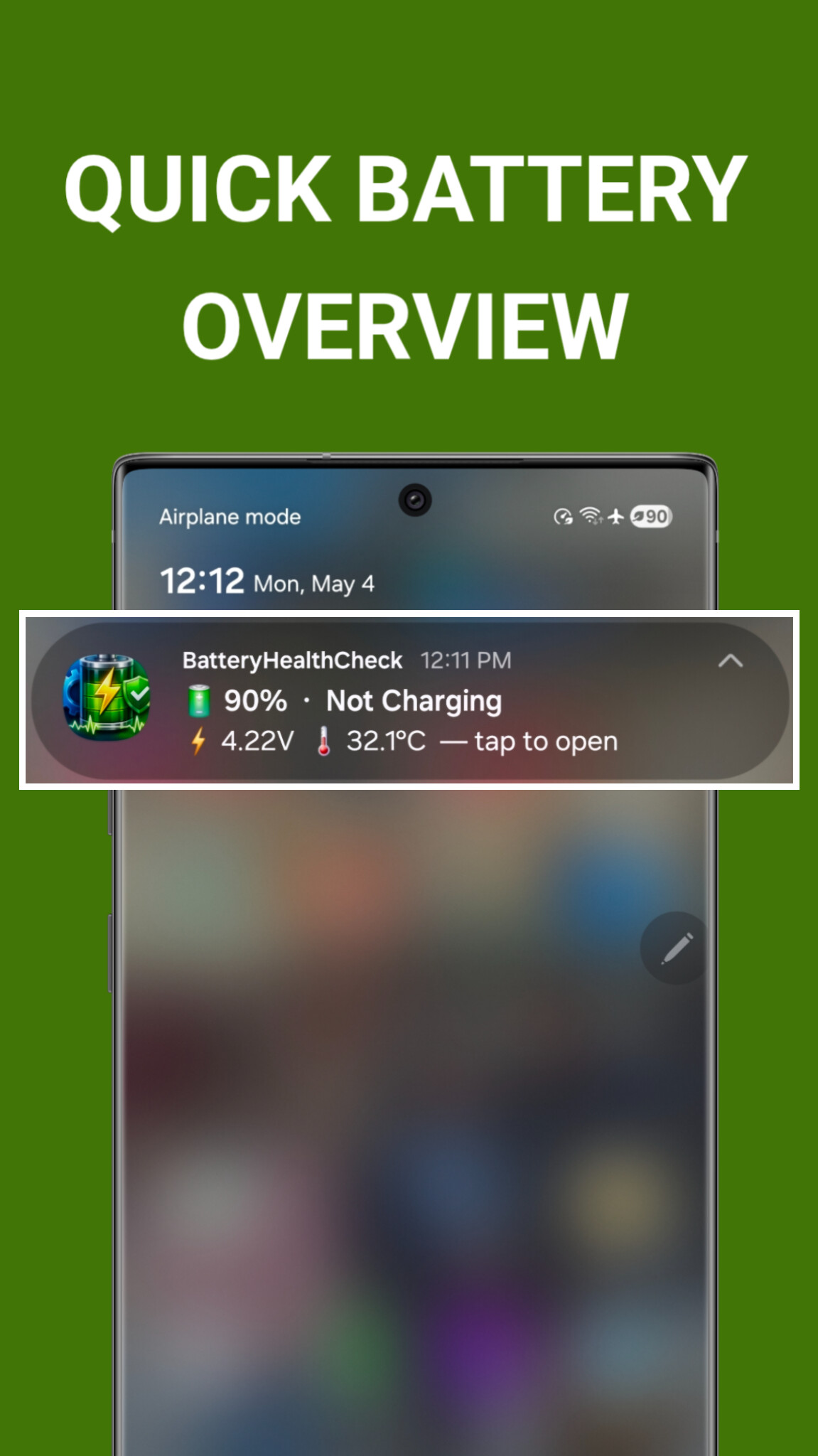
Get persistent notification showing battery percentage, voltage, temperature, and charging status at a glance without opening the app. Tap to open full details instantly.
Key advantages that make Battery Health Check stand out
Overcharging is one of the main causes of battery degradation. Our alarm notifies you exactly when to unplug, helping maintain your battery's chemical health and extending its lifespan by months or even years.
Unlike generic battery apps, we calculate health based on actual charging session data, not just voltage readings. The more you use it, the more accurate the estimation becomes.
Track min, average, and max temperature for every charging session. High temperatures damage Li-ion batteries permanently — our logs help you identify problematic chargers or environments.
The alarm popup and charger connection popup work seamlessly whether your screen is on or off, and even when the device is locked. You'll never miss an alert.
Set your own alarm threshold anywhere from 10% to 100%. Toggle the alarm on/off anytime. The app adapts to your charging habits, not the other way around.
Developed by John Irianto Susanto. The app is available on GitHub for transparency and community contributions. Clean interface with no unnecessary bloatware.
See the app in action — clean interface, powerful features
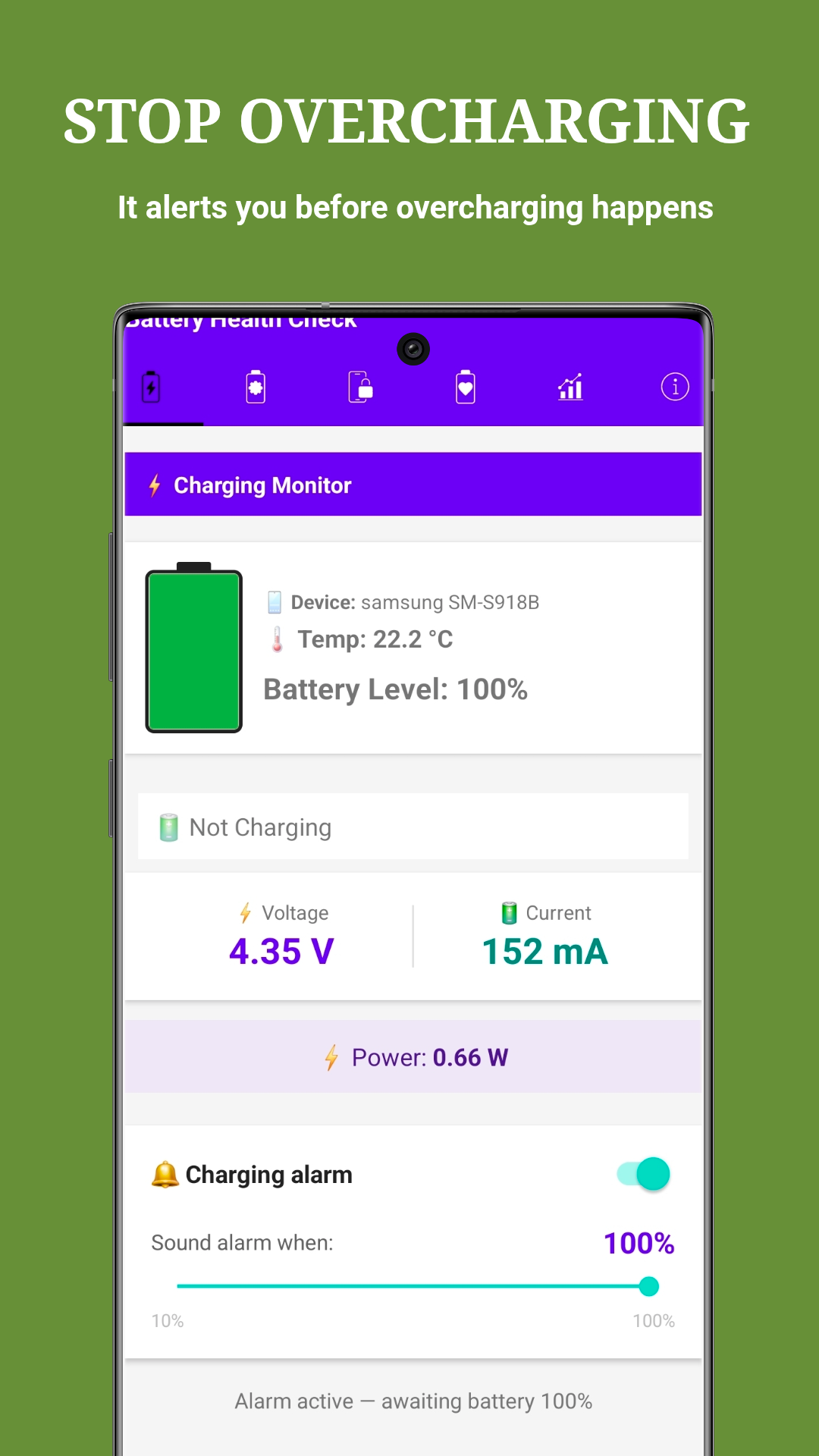
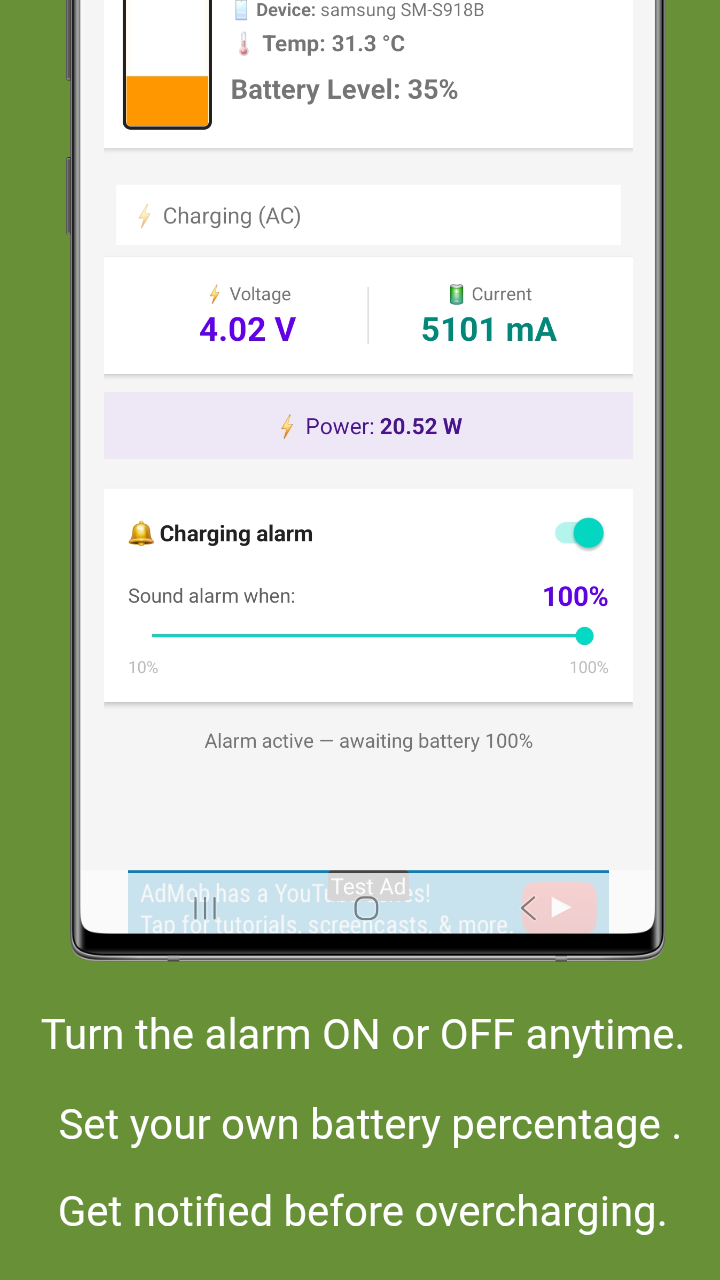
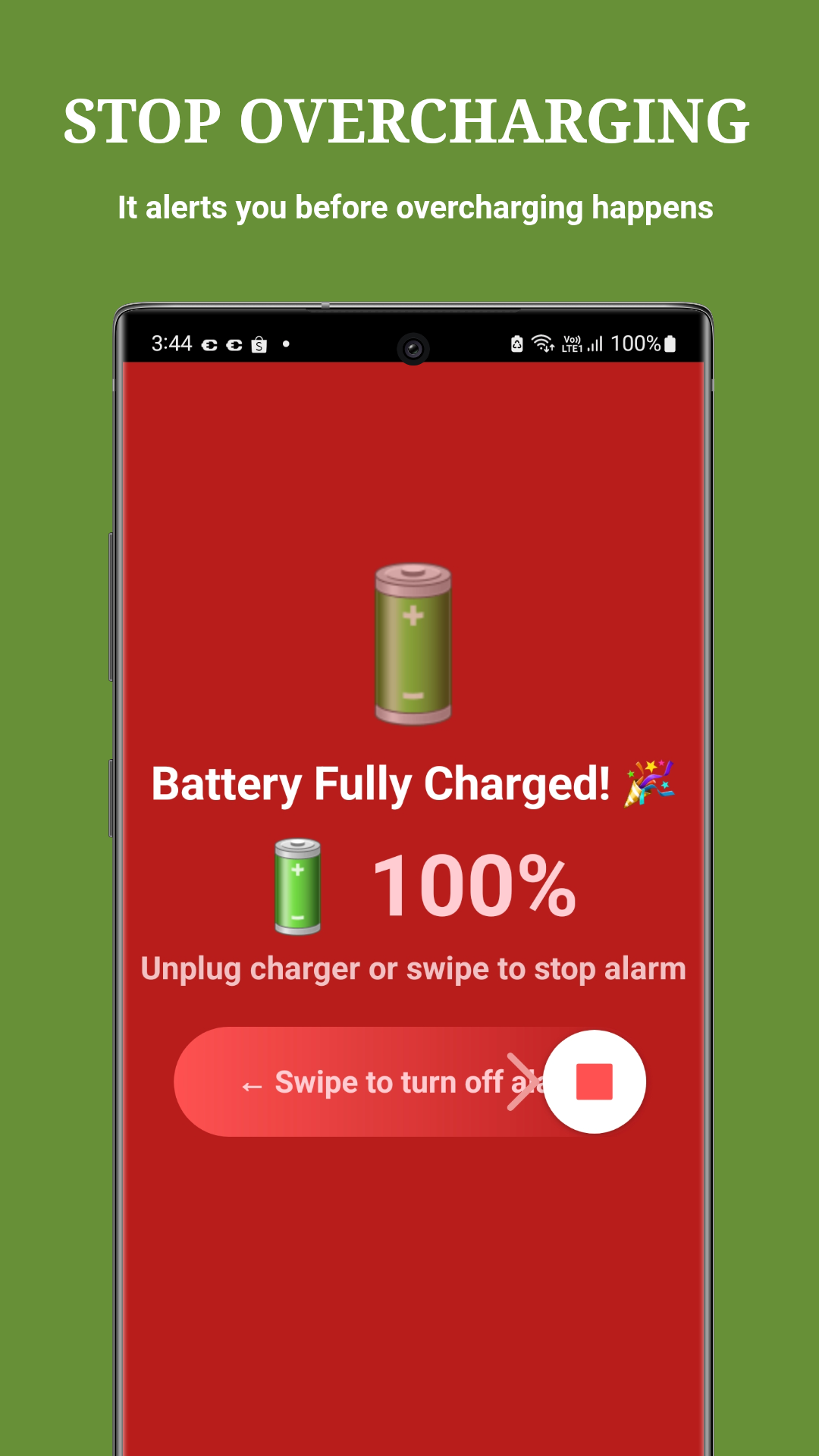
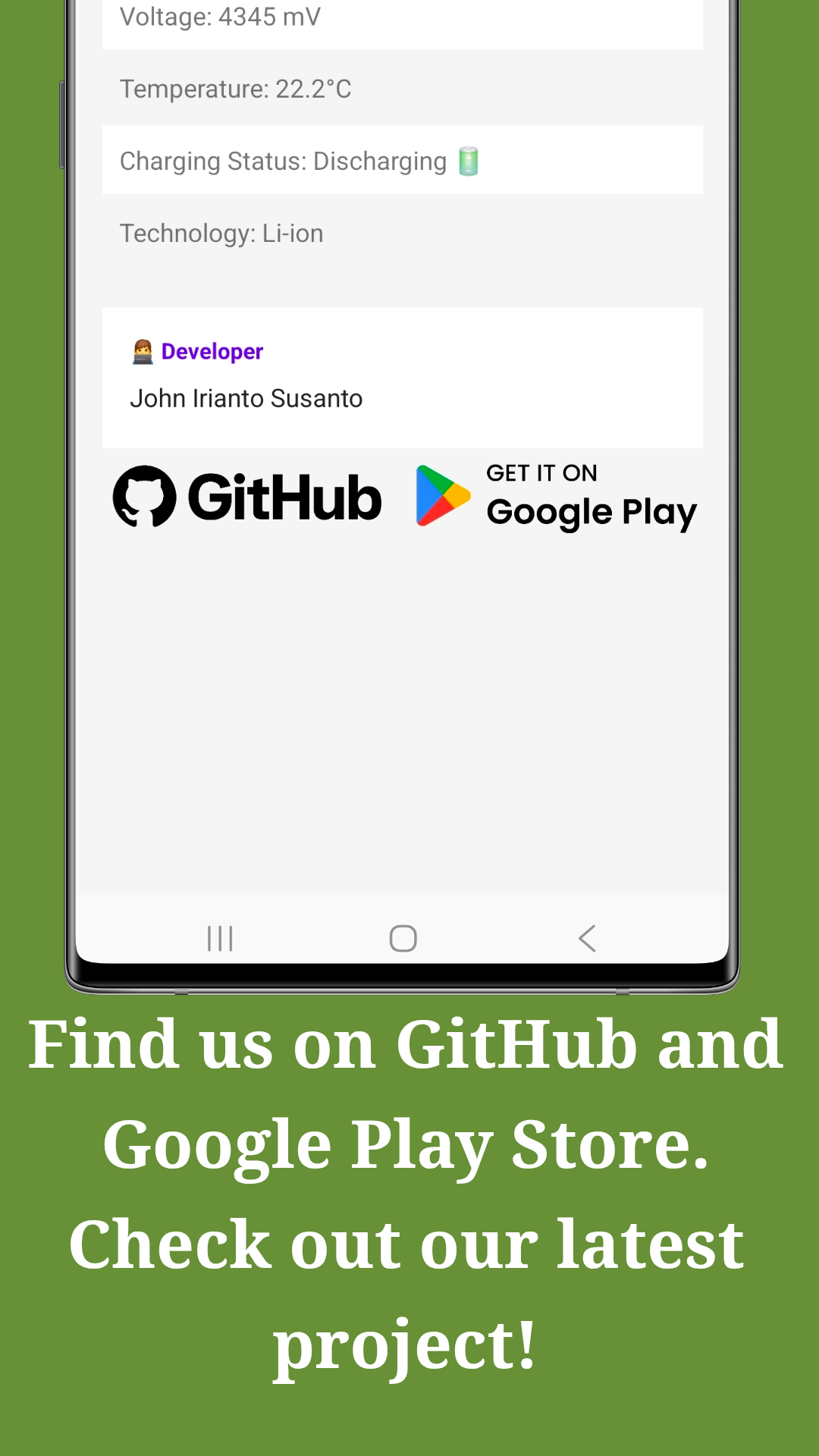
Screenshots taken on Samsung Galaxy S23 Ultra (SM-S918B) running Android 16
Step-by-step instructions to get the most out of the app
Download the app from Google Play Store or GitHub. Upon first launch, grant the necessary permissions:
Open the app to view the main dashboard. You'll see:
To prevent overcharging:
Navigate to the Battery Health tab:
Every charging session is automatically logged:
If features aren't working as expected:
Available for free on Google Play Store and GitHub. Download now and start protecting your battery today.
Developed by John Irianto Susanto | Version 3.8.8